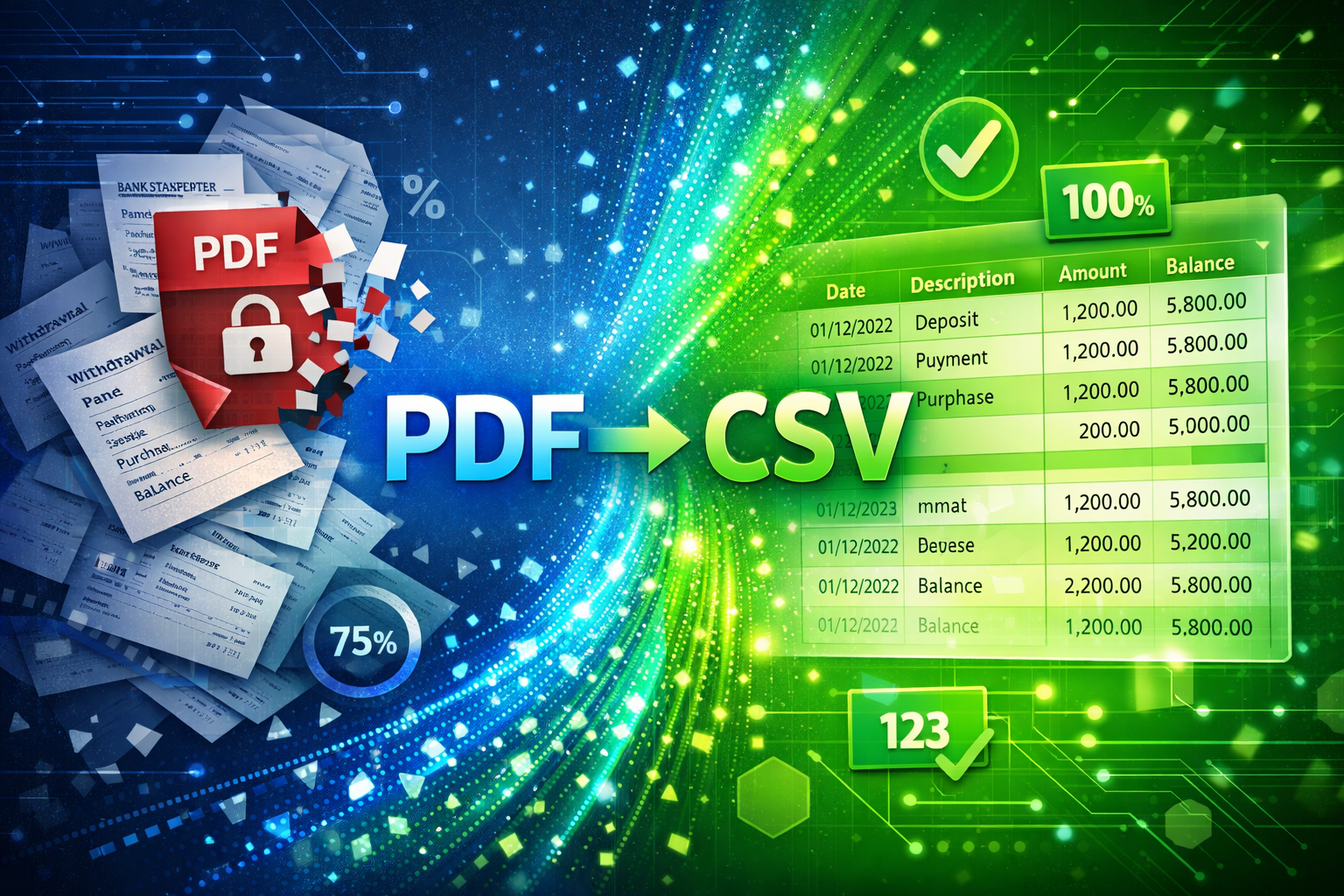
PDF Bank Statement to CSV: How to Convert Without Losing a Single Transaction
Most PDF converters drop rows, merge columns, or skip pages. Here's how to avoid data loss and get every transaction in your CSV — exactly as it appeared on the statement.
For anyone managing finances, from small business owners and accountants to financial analysts, dealing with bank statements in PDF format is a constant reality. While PDFs are excellent for presentation, they often become a major bottleneck when you need to extract data for analysis, budgeting, or import into accounting software. The goal is simple: transform those static PDFs into dynamic, usable CSV files. But how do you achieve this without the frustration of missing rows, broken descriptions, or jumbled columns?
This guide dives deep into the challenges of converting bank statements from PDF to CSV and reveals how advanced AI-based solutions can provide accurate, reliable data extraction, ensuring you never lose a crucial detail.
Why Generic PDF to CSV Converters Fall Short
You've probably tried a "free" PDF to CSV converter online. You upload your bank statement, hit convert, and what do you get? Often, a mess. Generic converters struggle because they are not built for the specific complexities of financial documents.
Here is why they often fail:
- Diverse Layouts: Every bank has a different statement layout. Dates, descriptions, and amounts can appear in wildly different places. A generic converter, which often relies on simple character recognition or basic template matching, gets confused.
- Table Structure: Bank statements contain complex tables where transaction details might span multiple lines, or credit and debit amounts might be in a single column with different signs. Generic tools often misinterpret these structures, leading to broken rows or incorrect entries.
- Missing or Mismatched Data: It is common to find critical transaction descriptions truncated, dates incorrectly parsed, or numbers appearing in the wrong columns. This is not just an inconvenience; it can lead to significant financial errors.
- Scanned Documents: Many bank statements are scans of physical documents. These present an even greater challenge, as the text quality can vary greatly, making accurate data extraction nearly impossible for basic tools.
I've personally witnessed how many hours financial teams waste trying to clean up data from these generic conversions. It is a costly, time-consuming cycle that undermines productivity.
The Costly Perils of Manual Data Entry
Faced with unreliable conversions, many professionals resort to manual data entry. While seemingly a "safe" option, it comes with its own set of serious drawbacks:
- Time-Consuming: Manually typing out hundreds or thousands of transactions from a PDF into a spreadsheet is incredibly slow. Imagine doing this for multiple accounts, month after month.
- Prone to Human Error: Even the most meticulous individual can make mistakes. A misplaced decimal, a swapped debit and credit, or a missed transaction can have significant repercussions for financial reporting and reconciliation.
- High Cost: Time is money. The hours spent on manual entry could be dedicated to higher-value tasks like financial analysis, strategizing, or client service.
- Lack of Scalability: As your business grows, so does the volume of transactions. Manual entry simply does not scale, becoming an ever-increasing burden.
The goal is to eliminate this bottleneck, not just shift the problem.
The AI-Powered Advantage: Precision Conversion Without Data Loss
The solution to accurate bank statement conversion lies in specialized AI-powered tools. These are not your average PDF converters; they are purpose-built for financial documents, leveraging advanced Optical Character Recognition (OCR) and Intelligent Document Processing (IDP).
How these advanced tools ensure accurate data extraction:
- Intelligent Layout Mapping: Unlike generic tools, AI systems are trained on millions of bank statements from thousands of banks globally. They understand the context of financial documents, automatically identifying sections like transaction tables, account details, and summary balances, regardless of their visual placement.
- Robust Table Extraction: Advanced algorithms, often referred to as Tableformers, can identify and correctly parse even complex or subtle table structures. They intelligently associate dates, descriptions, debits, credits, and running balances, even when descriptions wrap onto multiple lines or columns merge. This means no more broken descriptions or wrong columns.
- Contextual Understanding and Validation: The AI does not just read text; it understands financial logic. It can perform crucial checks, such as verifying that Opening Balance + Credits - Debits = Closing Balance. This automated reconciliation check is paramount for data integrity and ensures no missing rows or mathematical inconsistencies.
- Handles Scanned PDFs: High-grade OCR technology cleans and enhances scanned images, correcting for skew, distortion, and noise before extracting text, ensuring high accuracy even from low-quality documents.
- Secure Processing: Reputable AI converters prioritize security. They use encryption, process files in memory, and delete data automatically, ensuring your sensitive financial records are protected.
This specialized approach provides virtually 100 percent data accuracy, making your converted CSV files instantly usable for financial analysis, budgeting, and expense tracking.
Key Features of a Reliable Bank Statement to CSV Converter
When choosing a tool to convert bank statements PDF to CSV without data loss, look for these essential features:
- High Accuracy (99 percent or more) backed by AI and contextual validation
- Global bank support across various languages and layouts
- Secure and private processing with encryption and automatic deletion
- Output flexibility such as CSV, Excel (XLSX), and JSON
- Compatibility with accounting software like QuickBooks and Xero
- Smart column detection for date, description, debit, credit, and balance
- Support for scanned PDF statements using advanced OCR
- Bonus: fraud detection and mathematical consistency checks
Step-by-Step Guide to Accurate PDF to CSV Conversion
Converting your bank statements should be straightforward with the right tool.
Typical workflow with an AI-powered converter:
Select Your PDF Statement
Go to the converter website or open its application and upload your bank statement PDF. Most tools support files up to 10 MB or more.Upload and Process
The system securely uploads your document. AI and OCR engines parse the structure and extract transaction data.Review (Optional but Recommended)
Some platforms provide a preview of extracted data for spot-checking, especially useful for unusual formats.Download Your CSV
Download your clean, structured CSV file with columns for date, description, debit, credit, and running balance.
This streamlined process drastically reduces time and effort.
Visual Suggestions
- Image: Screenshot of a clean CSV file with columns: Date, Description, Debit, Credit, Balance
- Video: Short tutorial showing the 3-step conversion process on the platform
Who Benefits from Accurate Bank Statement Conversion?
- Accountants and Bookkeepers: Faster reconciliation, tax preparation, and client reporting
- Small Business Owners: Clear cash flow insights and easier expense management
- Financial Analysts: Rapid aggregation for forecasting and due diligence
- Loan Officers and Underwriters: Faster income and expense verification
Accurate extraction lets professionals focus on higher-value work instead of data cleanup.
Conclusion
The days of struggling with inaccurate PDF to CSV bank statement conversion are behind us. With specialized AI and OCR technology, you can now confidently convert bank statements PDF to CSV without data loss, preserving every crucial detail. This shift from generic tools to intelligent processors saves valuable time, eliminates costly errors, and empowers you with precise financial records for better decision-making.
Stop wasting time on manual data entry or cleaning messy spreadsheets. Embrace accurate data extraction and unlock the true potential of your financial data.
Ready to experience accurate bank statement conversion?
Visit BankStatementsCSV.com today and transform your PDFs into perfectly structured CSV files in seconds.